vexy-stax
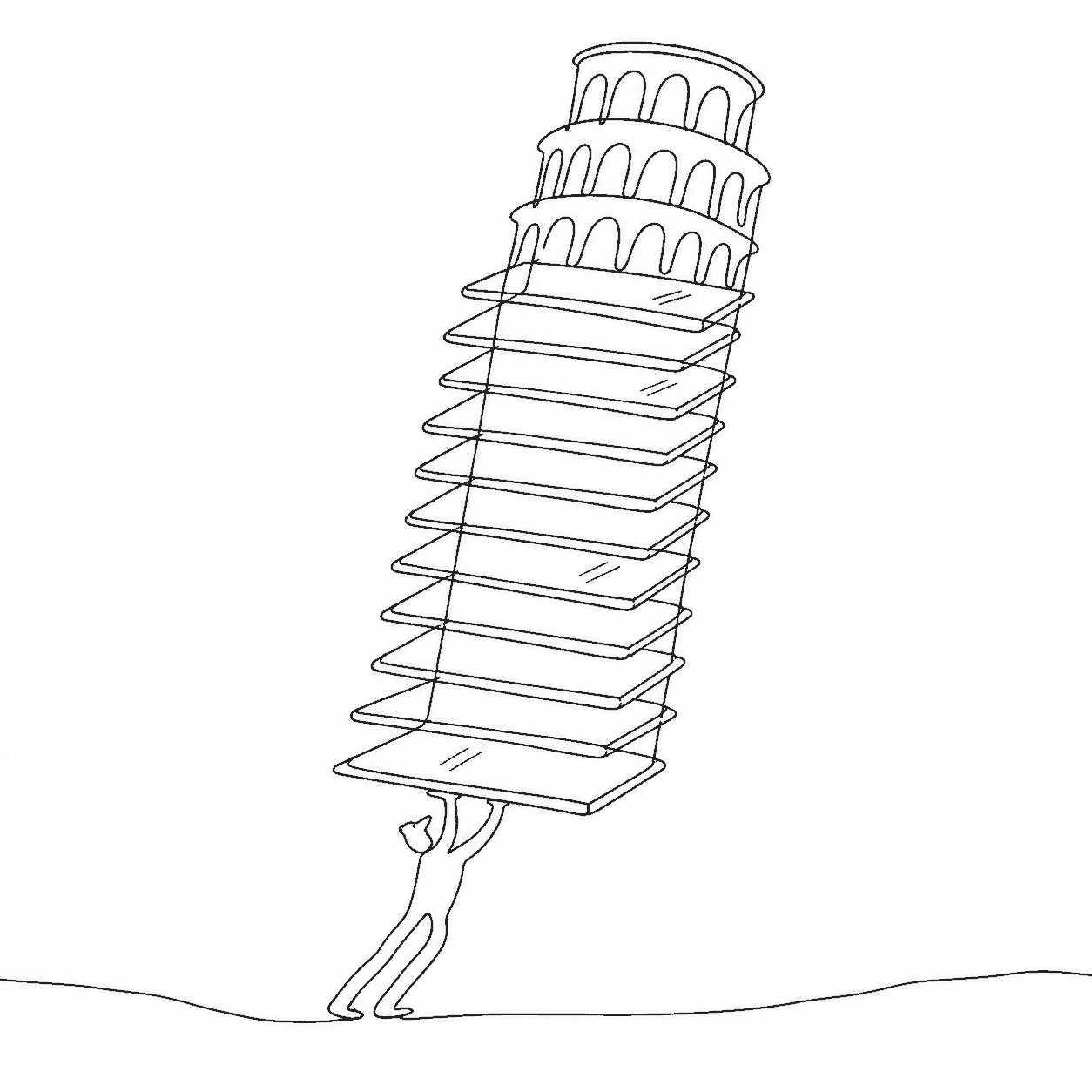
vexy-stax renders a deck of layered PNG slides as 3D glass plates. You describe the deck once, in a JSON scene file, and vexy-stax produces:
- an expanded still: an angled hero shot with the plates spaced apart and captions visible,
- a compact still: a head-on stack with the plates collapsed into one composite image,
- a transition video that morphs between the two views.
This site documents vexy-stax-py, the offline Python package. It is published on PyPI as vexy-stax and installs the vexy-stax command. A browser sibling, vexy-stax-js, reads the same scene format and renders it with three.js.
What goes in, what comes out
Input is a folder of layered images (for example, the layers you export from a design tool) and a scene file that lists them back to front:
{
  "version": 1,
  "slides": [
    { "src": "layer-0-background.png" },
    { "src": "layer-1-content.png" },
    { "src": "layer-2-ui.png" }
  ]
}
Every other scene field has a default. From that file the vexy-stax command renders:
vexy-stax render scene.json --view expanded --out beauty.png   # angled hero shot
vexy-stax render scene.json --view compact  --out stack.png    # head-on stack
vexy-stax video  scene.json --out morph.mp4                    # needs a "transition" block
vexy-stax overlay scene.json --out flat.png                    # flat 2D composite, no 3D engine
You don't have to write the scene by hand: vexy-stax dir2scene assets/ scans a folder and writes one for you.
Three engines, one geometry
vexy-stax-py draws with one of three interchangeable engines:
| Engine | How it draws | Default for |
|---|---|---|
pygfx |
Off-screen GPU rendering with pygfx/WGPU | stills (render) |
blender |
Runs Blender in the background with Cycles (or Eevee in turbo mode) | video (video) |
playwright |
Loads the built vexy-stax-js bundle in headless Chromium | — |
All three take their camera poses, plate spacing and opacities from one module, vexy_stax.geometry. The engines differ only in how they draw, so the same scene frames the same way in every engine.
Live demos
The browser renderer runs these demos:
- Animated demo: play the compact-to-expanded transition, or toggle the two views by hand.
- Scrollspy demo: the deck rises into view and unfolds as you scroll.
Where to go next
- Installation: install the package and the optional engine prerequisites.
- Quick start: go from a folder of PNGs to stills and a video.
- Concepts: plates, the deck, the two views, transitions, the floor.
- Scene format and Scene reference: every field of the JSON file.
- CLI: every command and flag.
- Engines: what each engine needs and how it renders.
- Python API: use vexy-stax as a library.
License
See the LICENSE file in the repository. The bundled caption font (vexy-stax.ttf, Zalando Sans Expanded) is distributed under the SIL Open Font License; its text ships as src/vexy_stax/fonts/OFL.txt.